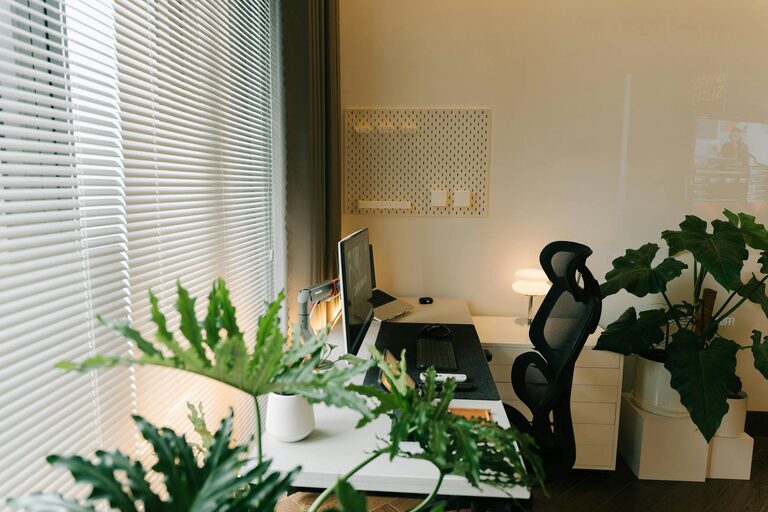
Creating a productive home office environment is essential for anyone working remotely or running a business from home. A well-designed workspace can improve focus, reduce stress, and help maintain a healthy work-life balance. Whether you have a dedicated room or just a small corner, these tips will help you make the most of your home office.
Choose the Right Location
Selecting the right spot for your home office is the first step. Ideally, find a quiet area with minimal distractions and good natural light. If possible, pick a room separate from high-traffic zones, such as the living room or kitchen. This separation helps create a clear boundary between work and personal life.
Consider Natural Light
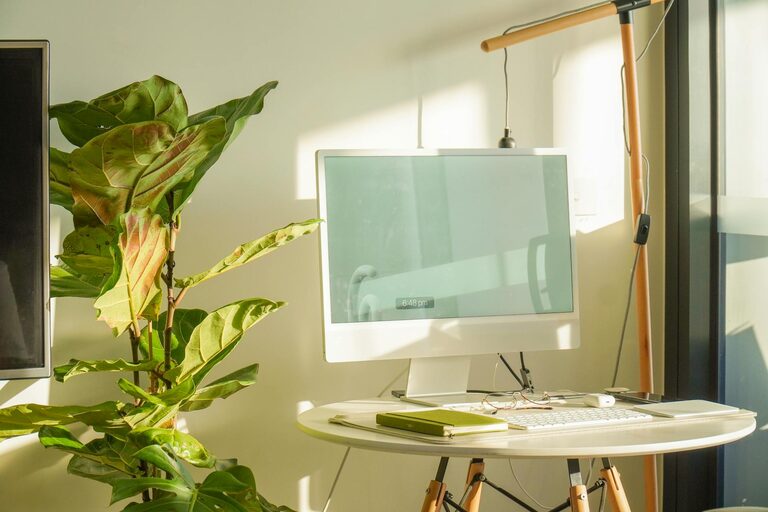
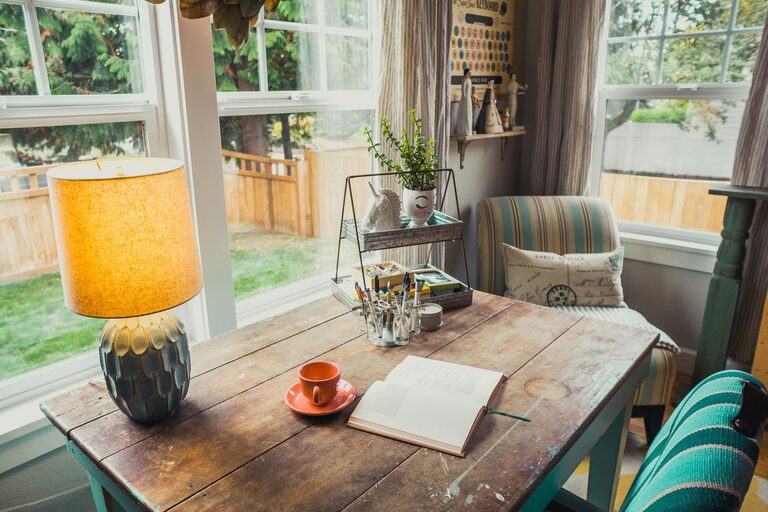
Natural light not only boosts mood but also helps reduce eye strain. Position your desk near a window if you can. If natural light is limited, invest in good quality artificial lighting that mimics daylight to keep your space bright and inviting.
Invest in Ergonomic Furniture
Comfort is key for long hours spent working. An ergonomic chair with adjustable height and lumbar support protects your back. Pair it with a desk that suits your needs—whether standing or sitting. Adjustable desks that allow you to change positions throughout the day can promote better posture and circulation.
Desk Setup Tips
– Keep your monitor at eye level to avoid neck strain.
– Use an external keyboard and mouse if you’re working on a laptop.
– Ensure your feet rest flat on the floor or use a footrest.
Minimize Clutter and Stay Organized
A cluttered desk can lead to a cluttered mind. Keep your workspace tidy by organizing supplies and papers neatly. Use storage solutions like shelves, drawers, or filing boxes to keep everything within reach but out of sight.
Helpful Organization Tools
– Cable management clips to prevent tangled cords.
– Desk organizers for pens, notebooks, and accessories.
– Digital tools like task managers and calendar apps to track your work.
Establish Clear Boundaries
Working from home can blur lines between professional and personal time. Set clear work hours and communicate them to family or housemates. Using a physical barrier—such as closing the door—can help signal when you’re “at work” and reduce interruptions.
Personalize Your Space
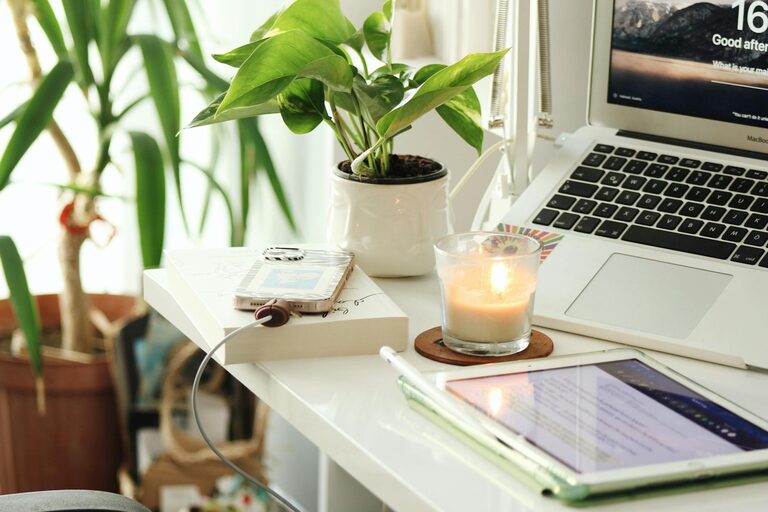
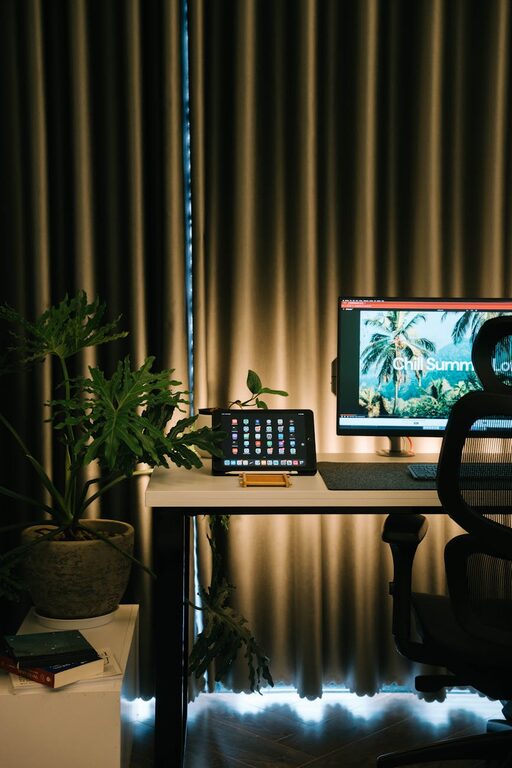
Adding personal touches makes your office feel inviting and motivating. Consider decorating with plants, artwork, or photos that inspire you. Plants not only decorate but also improve air quality and reduce stress.
Optimize Technology and Connectivity
Reliable technology is the backbone of any home office. Ensure your internet connection is fast and stable. Use noise-canceling headphones if you’re in a noisy environment. Keep your computer and software updated for smooth performance.
Take Regular Breaks
Productivity isn’t just about working longer hours but working smarter. Schedule short breaks to stretch, walk around, or rest your eyes every hour. These pauses can boost creativity and reduce fatigue.
Incorporate Healthy Habits
Set up your office to encourage healthy habits. Keep water nearby to stay hydrated. Consider adding a small area for quick stretches. Good ventilation and a comfortable room temperature also support your overall wellbeing.
Final Thoughts
Designing a productive home office takes some planning, but it’s well worth the effort. By choosing the right location, investing in ergonomic furniture, keeping organized, and setting boundaries, you can create a space that supports your work and wellbeing. Remember, your home office is a personal space—make sure it fits your unique style and needs. With the right setup, you’ll be on the path to greater focus, efficiency, and job satisfaction.
About the Author