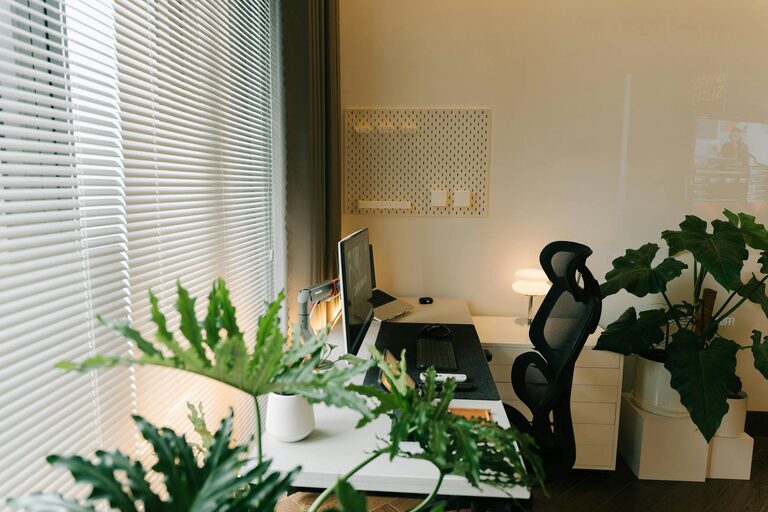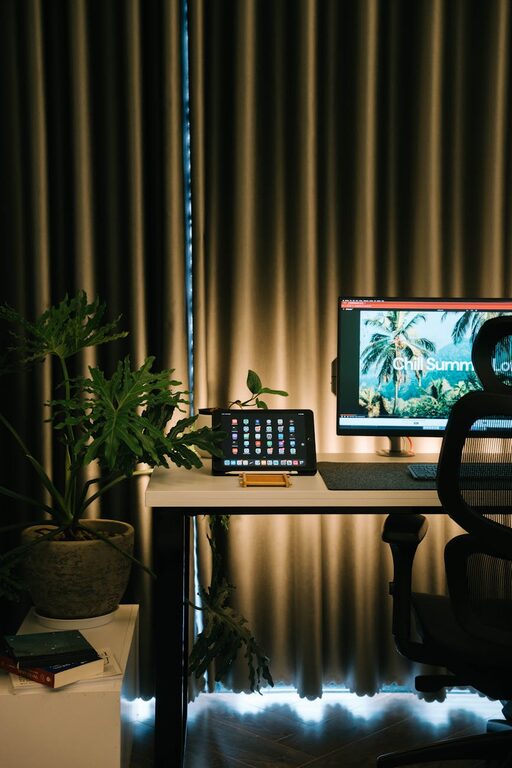
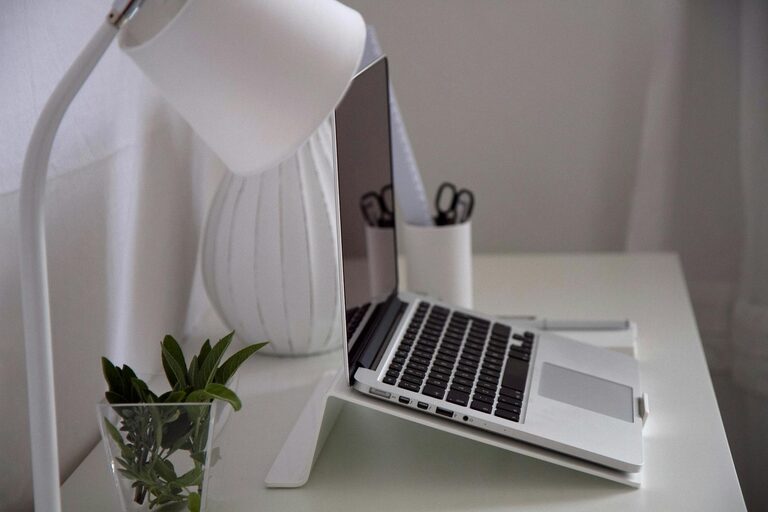
Working from home has become increasingly common, and having an effective workspace is key to staying productive and motivated. A well-organized home workspace can help minimize distractions, improve comfort, and keep your daily tasks running smoothly. Whether you’re setting up a dedicated home office or transforming a small corner, these essential tips will guide you in creating a productive environment that suits your needs.
Choose the Right Location
Selecting the best spot for your workspace is the foundation of a productive home office.
– Quiet area: Pick a place with minimal noise and foot traffic to help you focus better.
– Good lighting: Natural light is ideal; position your desk near a window if possible. If not, invest in quality task lighting.
– Comfortable temperature: The workspace should be reasonably warm or cool, so you’re comfortable throughout the day.
Invest in Ergonomic Furniture
Comfort affects your ability to work efficiently and can reduce physical strain.
– Desk: Choose a desk large enough to hold your essentials but not so big that it encourages clutter.
– Chair: An adjustable chair with proper lumbar support can prevent back pain.
– Screen height: Your computer screen should be at eye level to reduce neck and eye strain.
Declutter and Organize Regularly
A tidy environment promotes clear thinking and creativity.
– Minimal essentials: Keep only daily-use items within arm’s reach.
– Storage solutions: Use drawers, shelves, and organizers to keep supplies neat and accessible.
– Cable management: Use clips or sleeves to keep cords tidy and avoid tangles.
Personalize for Motivation
Adding a few personal touches can make your workspace inviting and inspiring.
– Plants: Small indoor plants improve air quality and add a calming green element.
– Decor: Photos, artwork, or motivational quotes can enhance your mood.
– Color choices: Soft, neutral tones tend to increase focus; use brighter colors as accents for energy.
Establish a Workflow System
Organizing your tasks and tools helps maintain consistency and productivity.
– Planner or digital calendar: Keep track of appointments, deadlines, and tasks.
– To-do lists: Break projects into manageable steps to avoid overwhelm.
– File organization: Use folders (both physical and digital) labeled clearly to find documents quickly.
Minimize Distractions
Creating an environment free from interruptions is essential when working at home.
– Turn off non-work notifications: Silence or mute personal phone notifications during work hours.
– Set boundaries: Communicate your schedule to family or roommates to minimize unexpected interruptions.
– Use noise-cancelling headphones: These can help block out background noise, enhancing concentration.
Maintain Healthy Habits
Your workspace should support your well-being as much as your efficiency.
– Take breaks: Schedule regular short breaks to stretch and rest your eyes.
– Stay hydrated: Keep a bottle of water at your desk.
– Exercise space: Incorporate room for simple stretches or standing breaks to avoid prolonged sitting.
Optimize Technology
Having reliable and efficient tech tools makes work smoother.
– Fast internet connection: Essential for video calls and large file uploads.
– Updated software: Keep your programs up to date for security and performance.
– Backup solutions: Use cloud storage or external drives to protect your data.
Regularly Review and Adjust
As your work habits evolve, adapt your workspace to meet new needs.
– Assess comfort and productivity: Notice what helps or hinders your work.
– Rearrange or upgrade: Change furniture layout or invest in new tools when necessary.
– Declutter routinely: A monthly clean-up can prevent mess from building up.
—
Creating a productive home workspace is about combining comfort, organization, and practicality. By thoughtfully setting up your environment and maintaining good habits, you can improve focus, reduce stress, and enjoy your work-from-home experience even more. Start with small changes and customize your space to fit your style and workflow—they make a big difference over time.
About the Author