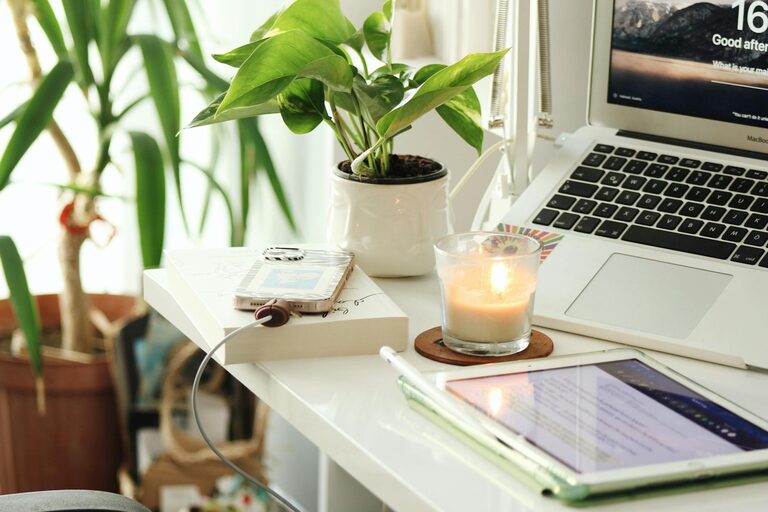
Creating a comfortable and relaxing home workspace is essential for maintaining productivity and well-being while working remotely. When your workspace feels inviting and organized, it can help reduce stress and keep your focus sharp throughout the day. Below, we’ll explore practical tips to create a home office that boosts both comfort and efficiency.
Choose the Right Location
Selecting the best spot in your home for a workspace is the first step. Ideally, look for a quiet area with minimal distractions and good natural light. If possible, pick a room or corner that you can dedicate solely to work. This helps mentally separate professional tasks from home life.
Consider Privacy and Noise Levels
– Avoid high-traffic areas like kitchens or living rooms.
– Use noise-cancelling headphones if complete silence isn’t possible.
– Place your desk away from windows that face busy streets to reduce interruptions.
Invest in Comfortable Furniture
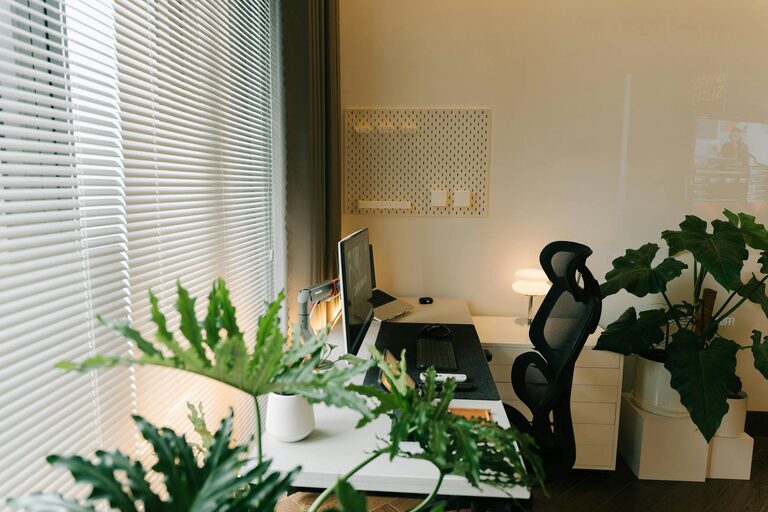
Comfort is key for long hours spent at your desk. An ergonomic chair that supports your back and promotes good posture can prevent discomfort and fatigue. Pair this with a desk at the proper height for your body to reduce strain on your wrists and shoulders.
Ergonomic Tips
– Ensure your feet rest flat on the floor or a footrest.
– Keep your computer screen at eye level to avoid neck strain.
– Consider an adjustable chair or standing desk if possible.
Optimize Lighting
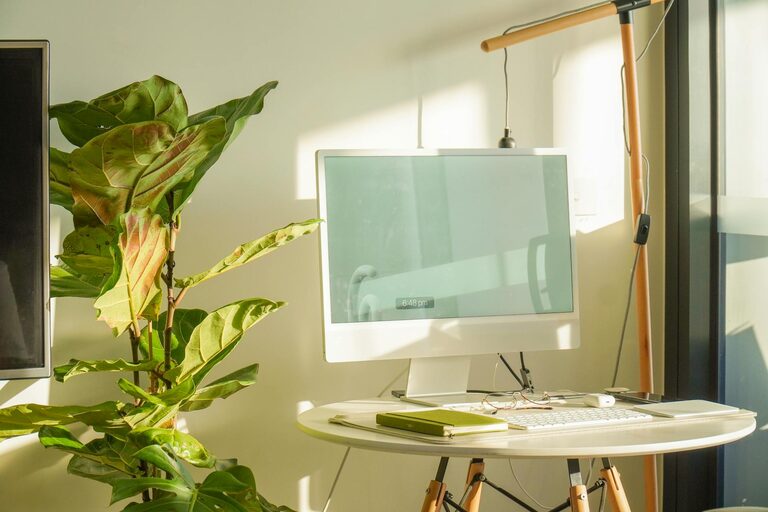
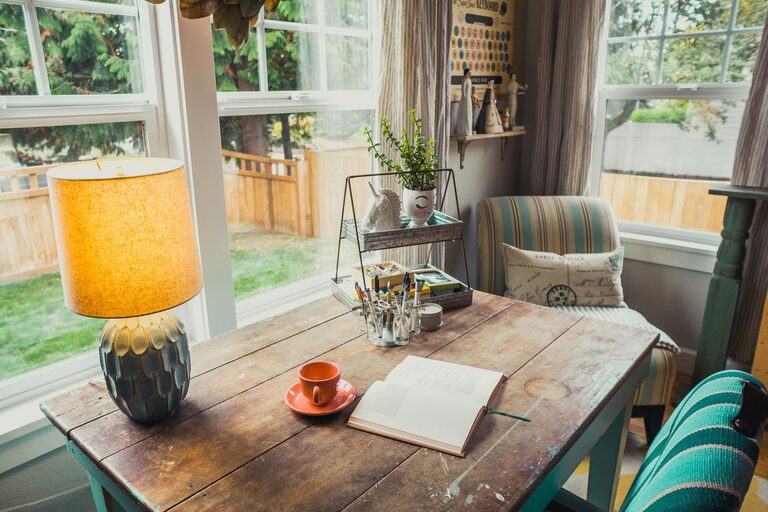
Good lighting improves focus and reduces eye strain. Aim to maximize natural light during the day by positioning your desk near a window. Complement this with layered artificial lighting, such as a desk lamp, to keep your workspace bright and inviting when natural light is insufficient.
Lighting Suggestions
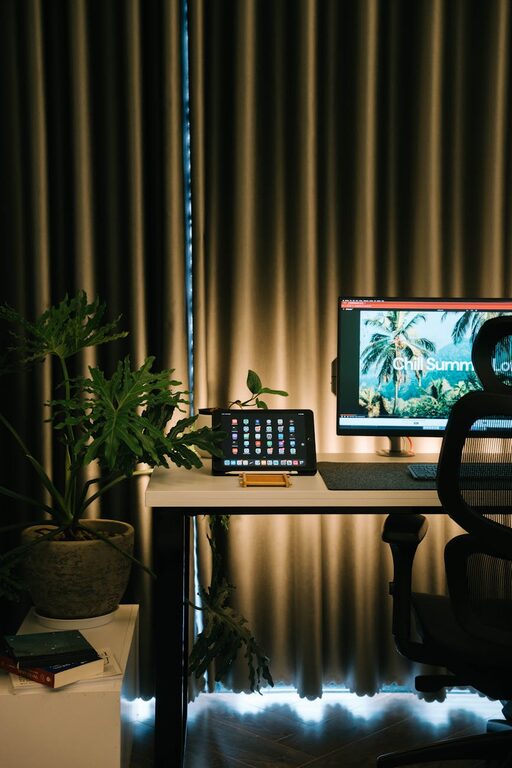
– Use warm, soft white bulbs for a calming atmosphere.
– Avoid harsh overhead lights or glare on your screen.
– A small desk lamp with adjustable brightness can be ideal.
Personalize Your Space
Adding personal touches can make your workspace feel more welcoming and relaxing. Incorporate elements that inspire you but don’t create clutter.
Ideas for Personalization
– Include a few favorite photos or artwork.
– Place small plants to add a touch of nature and improve air quality.
– Use calming colors in your décor, such as blues or greens.
Keep Your Workspace Organized
An organized desk minimizes distractions and makes it easier to focus. Use storage solutions to keep supplies and documents neat and out of sight. A clutter-free environment can help promote mental clarity.
Organization Tips
– Use desk organizers, shelves, or drawers to reduce surface clutter.
– Keep only daily essentials on your desktop.
– Declutter regularly to maintain a fresh workspace.
Incorporate Relaxation Elements
To create a truly relaxing atmosphere, consider adding features that encourage short breaks and stress relief.
Relaxation Techniques
– Place a small diffuser with calming essential oils like lavender.
– Have a cozy blanket or cushion nearby for comfort during breaks.
– Use soft background music or nature sounds to stay calm and focused.
Establish Clear Boundaries
Working from home can blur the lines between work and personal time. Setting boundaries helps maintain a balanced routine and reduces stress.
Tips for Boundaries
– Set specific work hours and stick to them.
– Create a ritual for starting and ending your workday.
– Close your workspace physically when work is done to signal relaxation time.
Regularly Refresh Your Workspace
Keeping your workspace appealing over time requires occasional updates. Rotate decorations, reorganize supplies, or add new plants to maintain enthusiasm and comfort.
—
By following these tips, you can create a relaxing home workspace that supports productivity while keeping comfort front and center. Your work environment plays a significant role in your overall work experience, so investing time and care in setting it up will pay off in focus, efficiency, and well-being.
About the Author